
How to Extend Your POS Terminal Lifespan
I. Proper Operation of the POS Terminal
1. Before using the POS terminal, check that the power is connected, the printer is properly connected to the main unit, and the POS paper roll is installed.
2. Operators must perform "End-of-Day Processing" after the daily business hours conclude. Important: If the POS terminal needs to be replaced for any reason, "End-of-Day Processing" must be completed before powering down the unit.
3. Avoid repeated card swipes that could result in duplicate charges to the cardholder.
4. If a card swipe fails during a transaction, re-enter the required transaction code; otherwise, a different transaction might be mistakenly processed as a "Purchase," leading to duplicate charges.
5. The cardholder must enter the correct bank card PIN.
6. Do not forget to have the cardholder sign the transaction slip. If the signature does not match the name on the back of the card or the embossed name on the front, verify the details with the issuing bank.
7. Carefully review the transaction type on the printed slip to avoid errors such as processing a "Purchase" as a "Pre-authorization" or a "Return" as a "Purchase."
8. Returns can be processed for the full amount or a partial amount. If a return fails, do not issue cash or allow the cardholder to take the merchandise; follow the prompts on the POS terminal or contact UnionPay maintenance personnel.
9. Do not arbitrarily unplug or reconnect communication cables.
10. Cleaning the card reader slot: Wrap a clean sheet of paper (such as POS printer paper) around a magnetic card and gently slide it back and forth in the card reader slot to remove dirt. Note: This is an improvised method to be used only when proper cleaning tools are unavailable; it should not be used routinely.
II. Proper Care and Handling of the POS Terminal
1. Do not open the POS terminal casing.
2. Do not place the POS terminal in damp areas; do not clean the device directly with liquids or sprays.
3. Do not use the telephone connected to the POS terminal while a transaction is being processed.
4. Do not disconnect the power supply to the POS terminal while a transaction is being processed.
5. Do not use or replace the battery of a mobile wireless POS terminal in flammable or explosive environments.
6. Mobile wireless POS terminals may cause interference with wireless communication equipment during operation.
7. The POS terminal uses a rechargeable battery; when removing the battery pack, ensure the metal contacts do not come into contact with any other metal objects.
8. Operate the POS terminal on a stable, level surface. If holding the device by hand, ensure a firm grip; dropping the device may cause severe damage.
III. Equipment to Protect Your POS Terminal
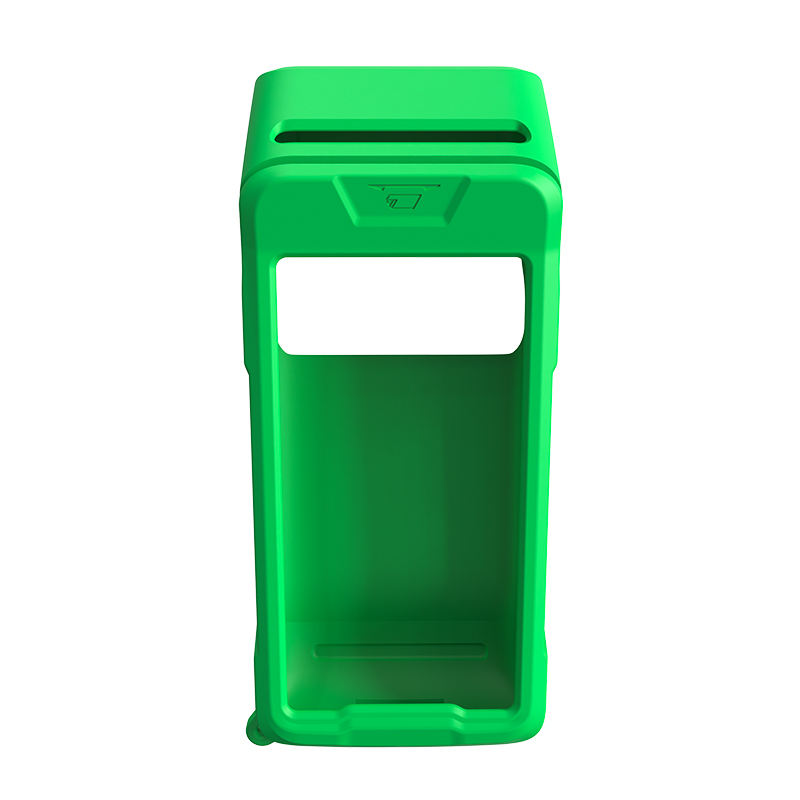
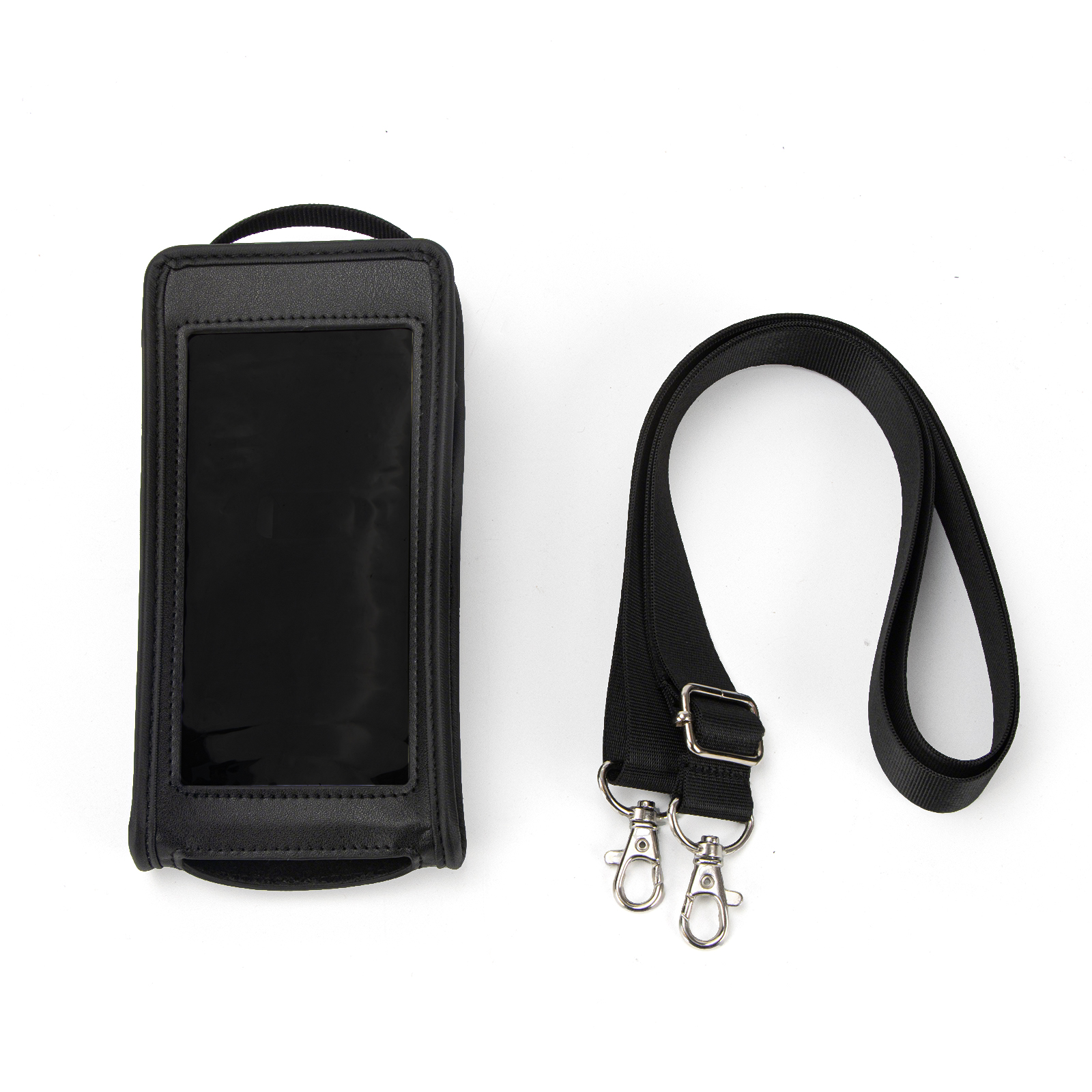
1. POS Terminal Protective Cases.
Most pos covers on the market are made of silicone or leather, though nylon options are also available. POS Terminal Silicone Sleeve generally does not come with a lanyard; you can choose a leather or silicone case designed to be worn on the body based on your needs. Both types effectively protect your pos machine from bumps and scratches.
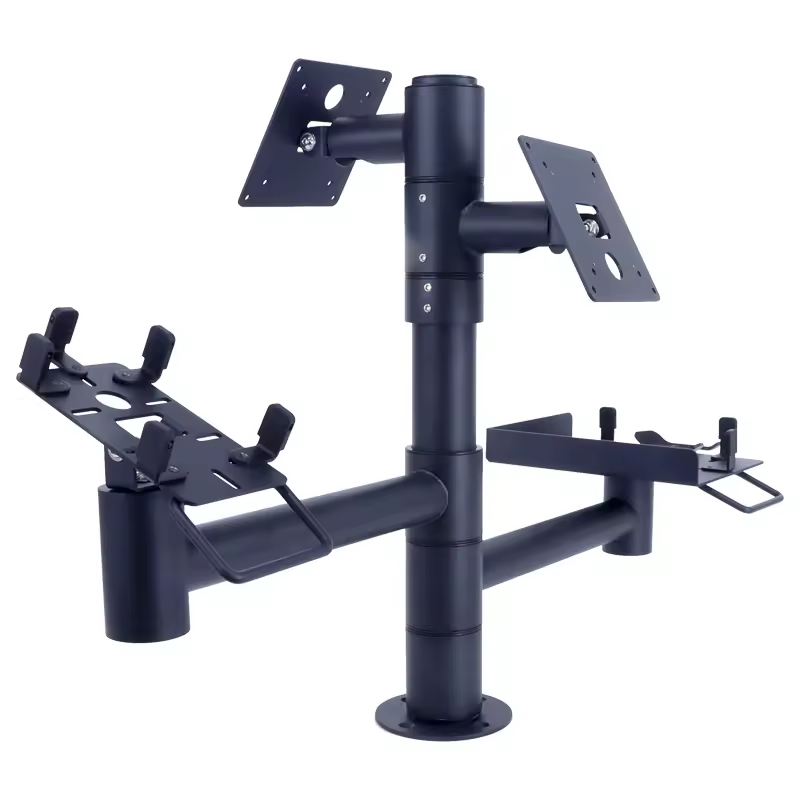
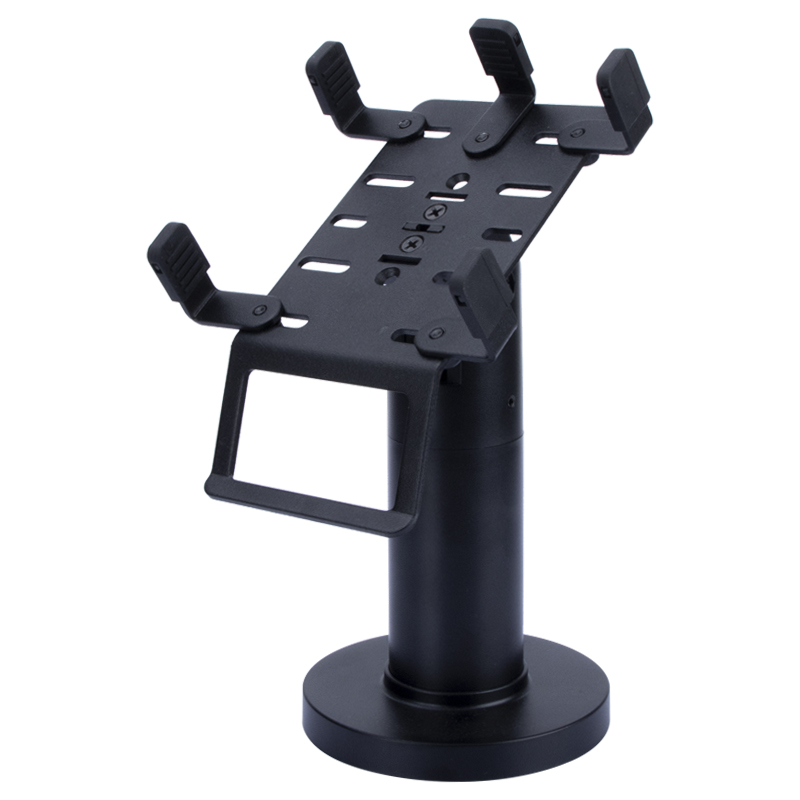
2. POS Terminal Stands.
These provide comprehensive protection for your credit card machine against oil stains, loss, physical impact, liquid corrosion, cable damage, and misplacement, significantly extending the pos card machine's lifespan. They prevent the device from tipping over or sliding off the counter when customers swipe cards or enter PINs, or when staff are tidying the workspace. They also help organize cables, preventing damage or short circuits caused by bending or fraying.


News